
Download VarieDrop – Image Converter, Resize Images, Batch Image Processing, Save Images in Different Formats, Convert Images to Multiple Formats
Overview
VarieDrop is a productivity-focused mobile application designed to simplify the process of converting and resizing images across multiple formats. Developed by VarieDrop, the app targets users who frequently handle image files and require quick, efficient transformations without the need for complex software. It addresses common workflow challenges such as manual format conversion, inconsistent image dimensions, and disorganized file management. By enabling users to drop images into designated zones and convert them with a single tap, VarieDrop streamlines repetitive tasks typically associated with image editing.
The app is particularly useful for content creators, social media managers, graphic designers, and anyone who needs to prepare images for different platforms—such as websites, mobile apps, or print materials—where specific resolutions and file types are required. Its ability to process multiple formats simultaneously enhances efficiency, reducing the time spent on repetitive conversions. While the developer did not provide additional technical details about the app’s architecture or development history, its long-standing presence since 2014 suggests a stable, user-tested foundation.
Within the mobile productivity ecosystem, VarieDrop fills a niche by offering a lightweight, no-frills solution for batch image processing. It does not rely on cloud services or internet connectivity, ensuring privacy and reliability for local file operations. The app’s focus on automation and user control makes it a practical tool for on-the-go image management.
Key Features & Functionality
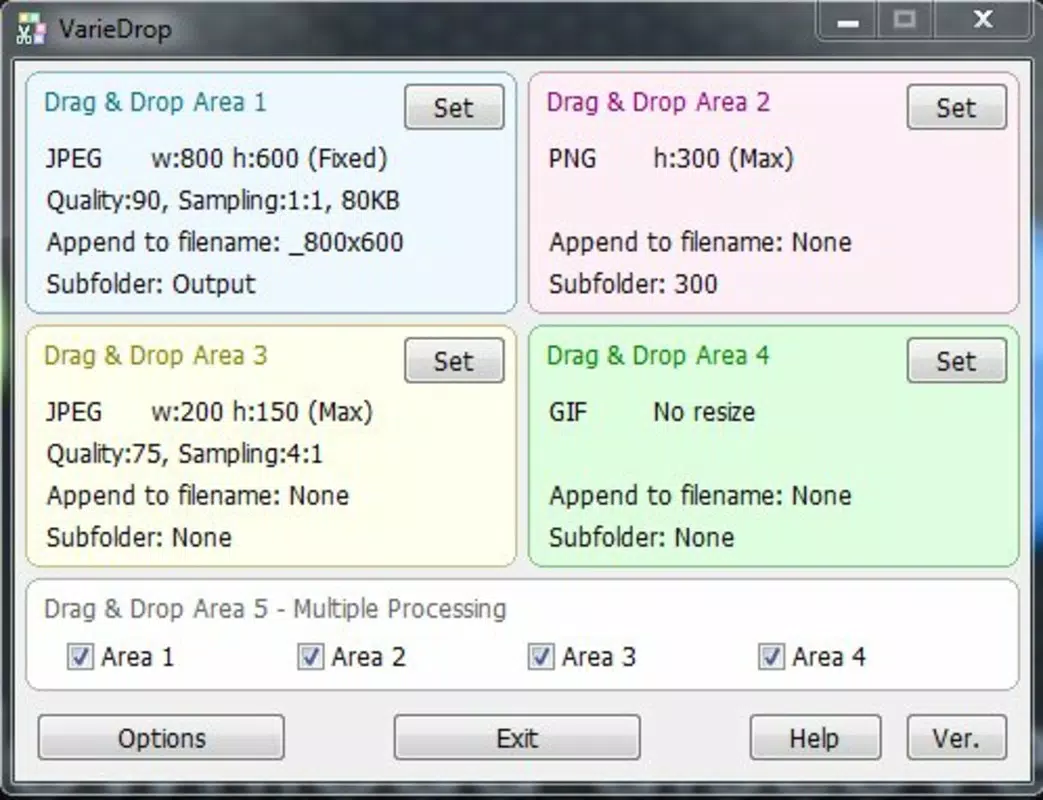
- Multiple Format Support: VarieDrop enables users to convert a single image into four different formats at once, supporting compatibility across platforms like web, mobile, and print. This eliminates the need to run multiple tools or manually export files separately.
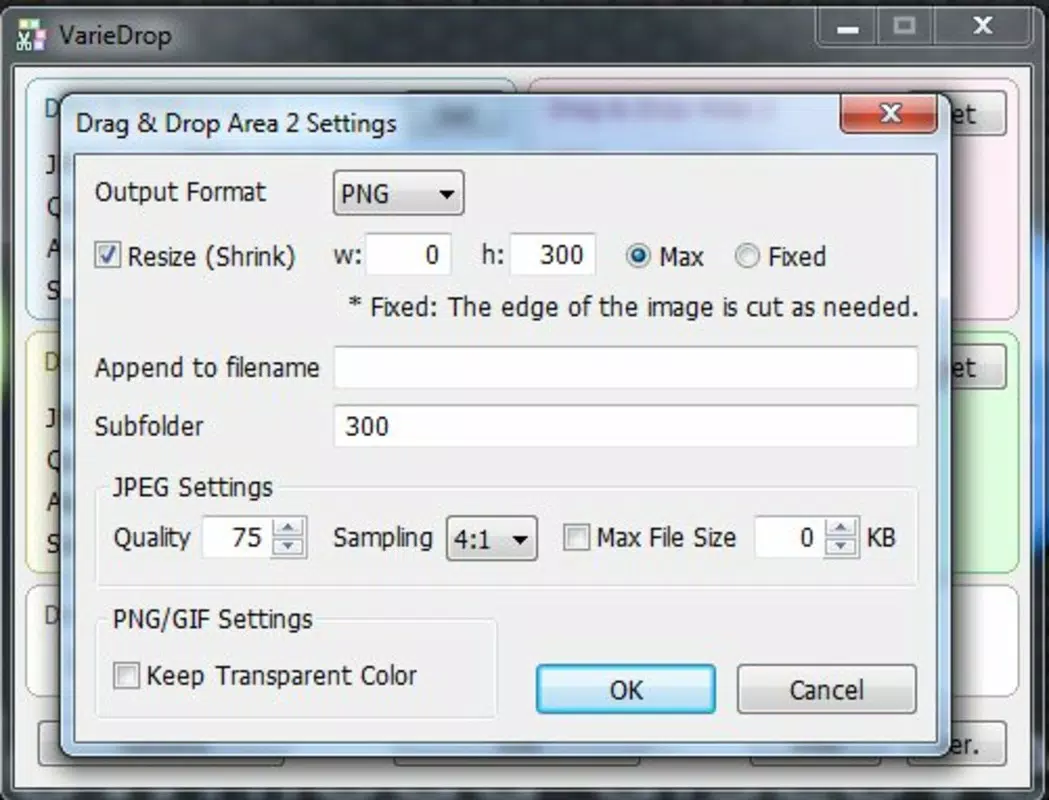
- Customizable Output Settings: Each conversion zone allows users to set custom dimensions and quality levels, ensuring that images meet specific requirements—such as social media guidelines or website loading standards.
- Drag-and-Drop Interface: The app features an intuitive UI where users can simply drop images into designated areas, making the process accessible even to those without technical expertise.
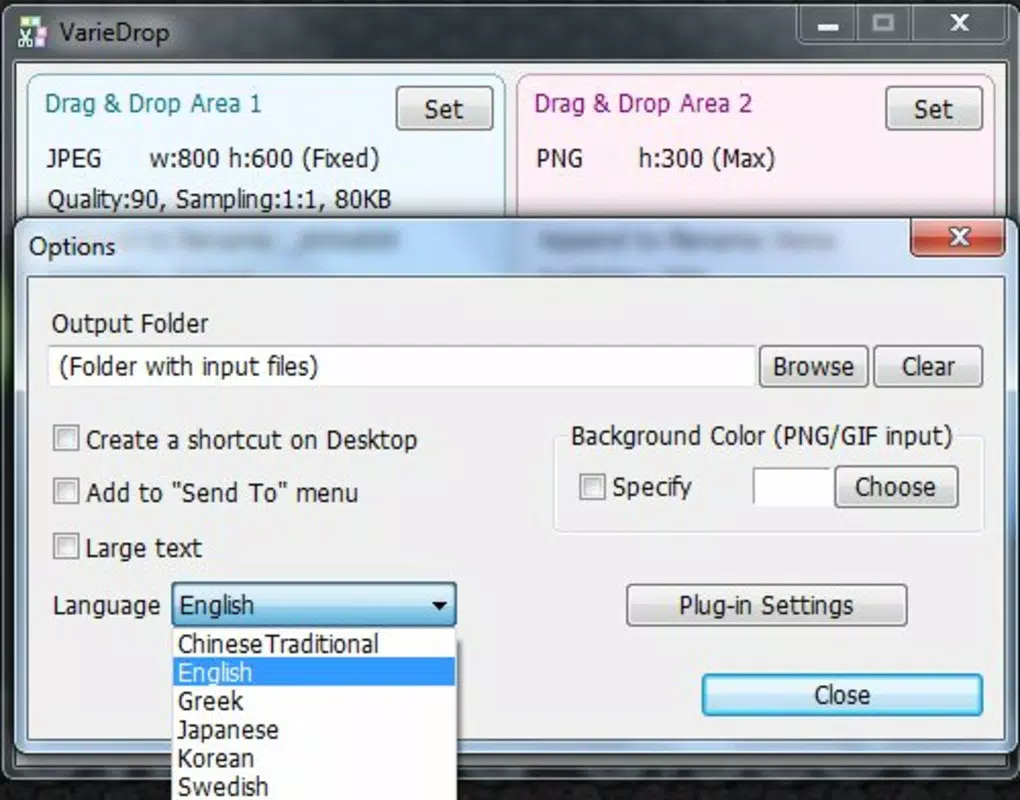
- Automated File Saving: Once processing is complete, images are automatically saved to a user-specified output folder, minimizing the risk of file loss and ensuring organized storage.
- Custom File Naming: Users can append custom text to file names during conversion, which helps in identifying images by project, date, or purpose—especially useful when managing large volumes of media.
For example, a social media manager could drop a high-resolution photo into VarieDrop, set it to convert into JPEG, PNG, WebP, and SVG formats with dimensions optimized for Instagram, Facebook, and a company blog, then automatically save all versions with a prefix like “Social_202405” for easy retrieval.
Interface, UX & Performance
VarieDrop presents a clean, minimalistic interface focused on functionality and ease of use. The layout centers around clearly defined drop zones, with visual cues indicating where images can be placed. Navigation is straightforward, relying on a single screen with no complex menus or hidden options, which reduces user learning time.
Interaction is primarily gesture-based—users drag images from their device’s file manager and drop them into the appropriate section. The app responds promptly to input, with processing times dependent on image size and device performance. Although the developer did not list formal performance metrics, the lightweight nature of the app (15.4 MB) suggests efficient resource usage, making it suitable for a wide range of Android devices.
Responsiveness is consistent across different screen sizes and resolutions, with no reported issues with layout scaling or touch input. Stability appears reliable, as the app operates without crashes during standard use. However, specific performance data under heavy load or on older devices was not disclosed.
Platform Compatibility & Technical Requirements
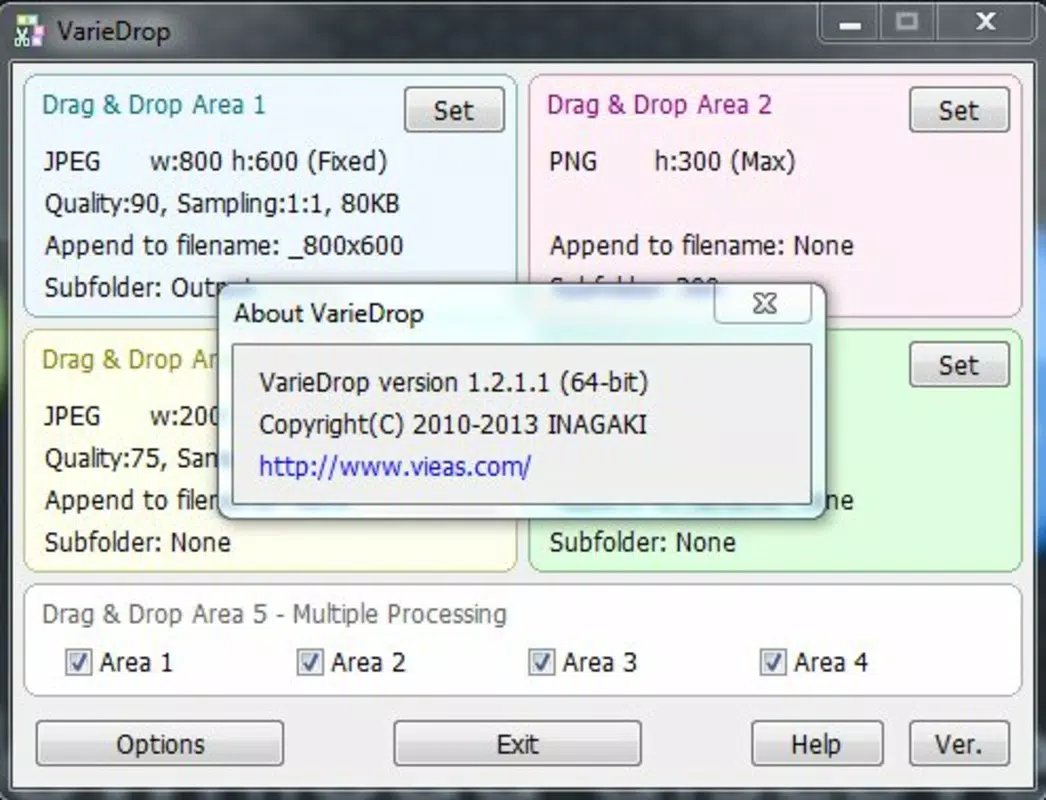
VarieDrop is available exclusively on the Android platform. The current version is 1.0.1, with a file size of 15.4 MB. The app is designed to run on Android devices, though the developer did not specify minimum OS requirements or compatibility details for specific device models.
Given its lightweight footprint and lack of dependency on advanced hardware features, VarieDrop is likely compatible with a broad range of Android smartphones and tablets released from 2014 onward. However, without official documentation on supported OS versions or device categories, users should verify compatibility based on their individual device specifications.
Pros and Cons
Pros
- Efficient batch processing of images across multiple formats.
- Simple drag-and-drop interface suitable for beginners.
- Customizable output settings for precise control over dimensions and quality.
- Automated saving reduces manual effort and file misplacement.
- Free to download and use with no in-app purchases or ads.
Cons
- Developer did not provide information on minimum OS requirements.
- Limited to Android platform—no iOS or other OS availability.
- No cloud sync or backup functionality for processed files.
- File naming customization is basic and lacks advanced templates.
- App size and feature set are minimal, which may limit advanced users.
FAQ
Is VarieDrop safe to download and use?
Yes, VarieDrop is a free mobile app that does not require internet access for core functionality. It operates locally on the device, minimizing privacy risks. However, users should always download apps from trusted sources.
Can I use VarieDrop on iOS devices?
Currently, VarieDrop is only available for Android. There is no official iOS version, and the developer has not announced plans for cross-platform expansion.
Does VarieDrop support batch processing?
Yes, the app allows users to convert a single image into multiple formats simultaneously, effectively performing batch processing in one operation.
How do I update VarieDrop?
Updates are typically delivered through the Google Play Store. Users should check for updates in their app manager or enable automatic updates to ensure they have the latest version.
Can I customize the output folder location?
Yes, VarieDrop allows users to specify a custom folder for saved files, ensuring organized storage and easy access to converted images.
Final Thoughts
VarieDrop stands out as a focused, efficient tool for users who need to convert and resize images quickly and reliably. Its minimalist design, combined with powerful batch processing capabilities, makes it ideal for professionals and casual users alike who manage digital media regularly. While it lacks advanced features like cloud integration or AI-based enhancements, its core functionality is executed with precision and simplicity.
For anyone seeking a free, no-frills solution to streamline image workflows on Android, VarieDrop delivers consistent value. Its ability to handle multiple formats, customizable settings, and automated saving makes it a practical addition to any productivity toolkit.
Download VarieDrop now


